
Text to speech for stream alerts
Text to speech (TTS) on stream reads a viewer's message aloud when an alert plays. Trigglow alerts can read messages with a standard voice in OBS, and on paid alerts viewers can choose an AI voice: the message is spoken once on our servers, so it sounds the same everywhere.
Create free accountFree plan, no card required.
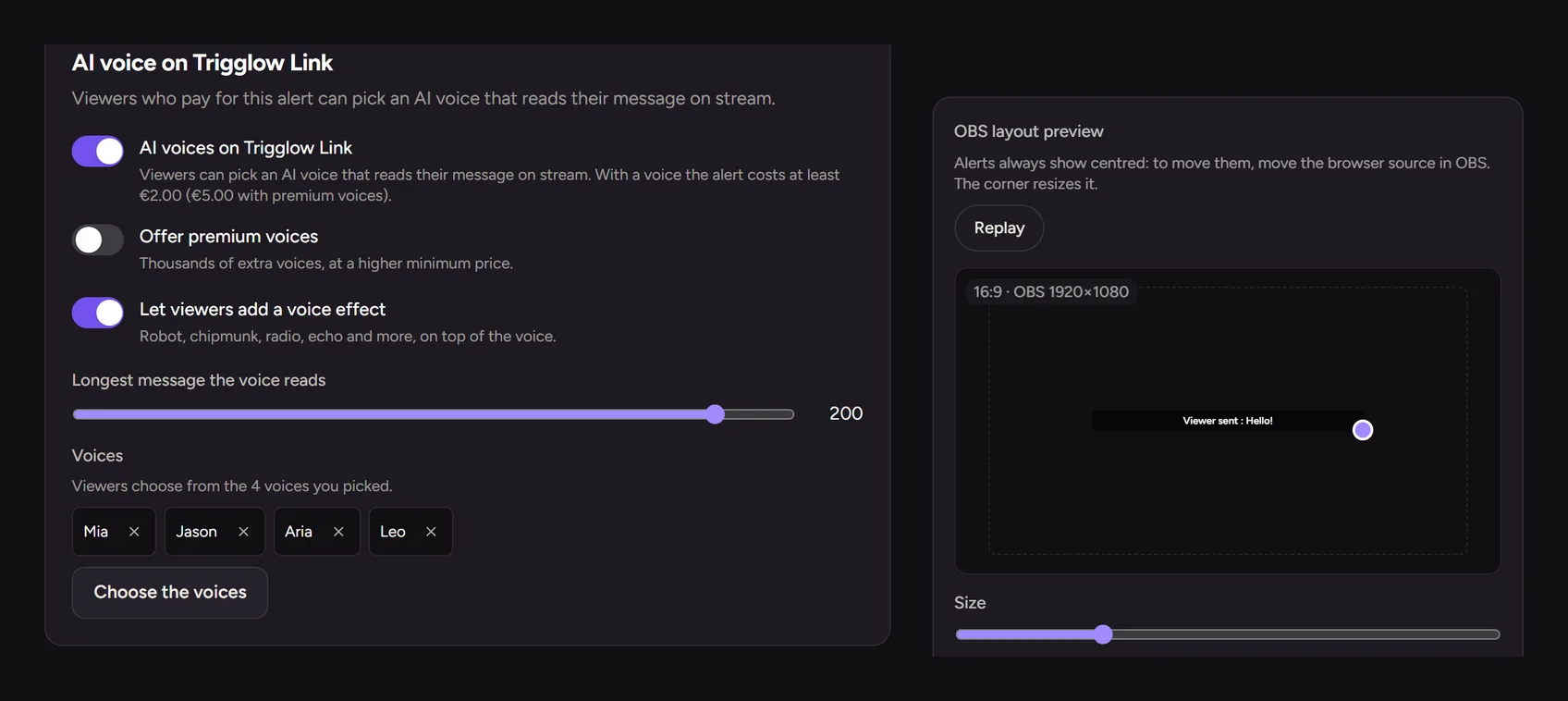
AI voices for paid alerts
Choose which voices viewers can pick for each paid alert and cap the message length. Premium voices can be turned on per alert with a higher minimum price.
Always plays
If the AI voice is not available, the alert still plays with the standard voice, so no message is lost.
How to set it up
- 1
Create a free account
Sign up and set up your alerts.
- 2
Turn on TTS
In an alert, enable reading the message aloud.
- 3
Offer AI voices
On a paid alert, choose the voices viewers can pick.
FAQ
- Is it free?
- Yes. Alert TTS is included on every plan; AI voices are paid by the viewer as part of the paid alert.
- Are the voices real people?
- No. They are generic, commercially licensed voices; there are no cloned or celebrity voices.
More for your stream
- AutomationsLet your stream react on its own: when this happens, if that is true, do these things.
- OBS docksYour alerts and your chat, inside OBS.
- Stream alertsAnimated alerts for Kick, Twitch, YouTube and TikTok LIVE that play centred on your OBS scene.
- Chat botOne bot for Kick, Twitch and YouTube: commands, timers, moderation and loyalty.
- Channel pointsRewards on Kick and Twitch that fire a sound, a meme or a video on your stream.
- OverlaysAlerts, chat, goals and more as OBS browser sources, styled with one theme.
- DonationsViewers pay to fire an alert with their message; the money goes to your bank through Stripe.
- Clip editorTurn your best stream moments into vertical clips with captions, right in the browser.