
Stream automations
Stream automations are rules that run by themselves while you are live. In Trigglow each rule has a when (an event or a threshold), optional ifs (role, level, platform, time, amount…) and up to eight actions, from firing an alert or posting in chat to switching an OBS scene through the desktop app.
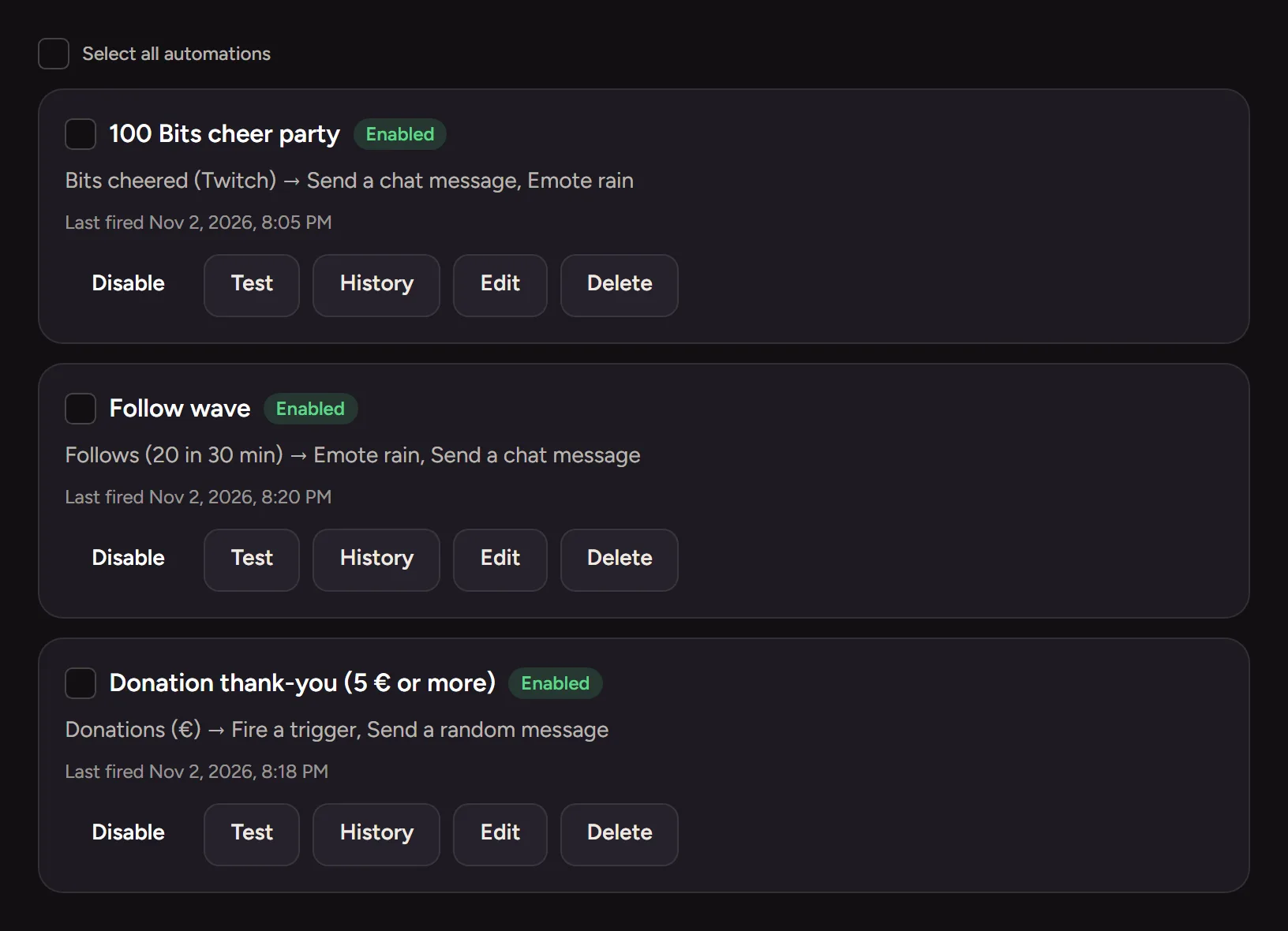
Any event, with conditions
Start from chat and channel events, KICKs, Bits, Super Chats or OBS events, count or add them up over time, and filter by up to ten conditions with a cooldown per viewer.
Actions in Trigglow and in OBS
Fire triggers, send chat messages, grant XP or add quest progress. With the desktop app, also switch scenes, show sources, start recording, save a replay or change volume.
- Ready-made presets
- Dry run before going live
- A log of every run
How to set it up
- 1
Create a free account
Sign up and connect your channel.
- 2
Create a rule
In Automations, pick a preset or choose the when, if and then.
- 3
Test it
Use the dry run, then go live.
FAQ
- Is it free?
- Yes, automations are included on every plan.
- Do I need the desktop app?
- Only for OBS events and OBS actions. Everything else runs on our servers.
More for your stream
- OBS docksYour alerts and your chat, inside OBS.
- Stream alertsAnimated alerts for Kick, Twitch, YouTube and TikTok LIVE that play centred on your OBS scene.
- Chat botOne bot for Kick, Twitch and YouTube: commands, timers, moderation and loyalty.
- Channel pointsRewards on Kick and Twitch that fire a sound, a meme or a video on your stream.
- OverlaysAlerts, chat, goals and more as OBS browser sources, styled with one theme.
- DonationsViewers pay to fire an alert with their message; the money goes to your bank through Stripe.
- Clip editorTurn your best stream moments into vertical clips with captions, right in the browser.
- Stream highlightsFind the best moments of every stream without rewatching the whole VOD.