
OBS docks for streamers
OBS docks are panels inside OBS Studio's own window. Trigglow gives you two: an activity feed that lists every alert as it happens and lets you replay it, and a combined chat for Kick, Twitch and YouTube where you can reply and moderate without switching windows.
Create free accountFree plan, no card required.
Activity feed with alert replay
See follows, subs, donations and more as they arrive, and replay any alert on stream with a click or a keyboard shortcut.
Combined chat with moderation
Read and write in every platform's chat from one dock, and act on messages from the dock itself.
How to set it up
- 1
Create a free account
Sign up and open Docks in the dashboard.
- 2
Link a dock
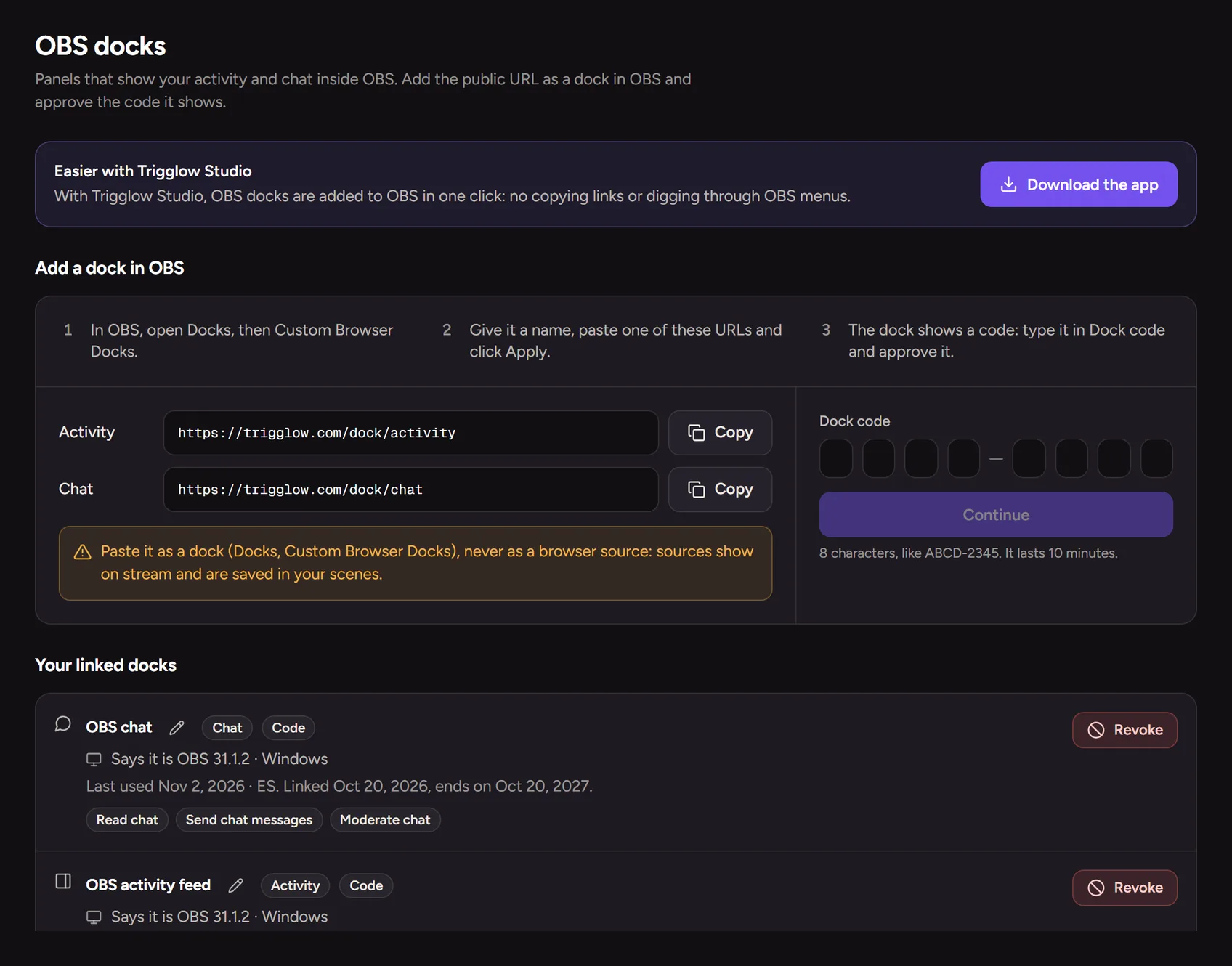
Add a custom browser dock in OBS and link it with the short code or QR code, or let the desktop app set it up.
FAQ
- Is it free?
- Yes, docks are included on every plan.
- Can I remove a dock later?
- Yes, rename or revoke any dock from the dashboard.
More for your stream
- Stream alertsAnimated alerts for Kick, Twitch, YouTube and TikTok LIVE that play centred on your OBS scene.
- Chat botOne bot for Kick, Twitch and YouTube: commands, timers, moderation and loyalty.
- Channel pointsRewards on Kick and Twitch that fire a sound, a meme or a video on your stream.
- OverlaysAlerts, chat, goals and more as OBS browser sources, styled with one theme.
- DonationsViewers pay to fire an alert with their message; the money goes to your bank through Stripe.
- Clip editorTurn your best stream moments into vertical clips with captions, right in the browser.
- Stream highlightsFind the best moments of every stream without rewatching the whole VOD.
- GiveawaysRaffle a prize live, with fair weighted entries and a roulette on screen.