OBS & Stream Deck· 2-3 min read
OBS overlay
One transparent Browser Source at 1920×1080 — place alerts in the trigger editor, not by shrinking the source.
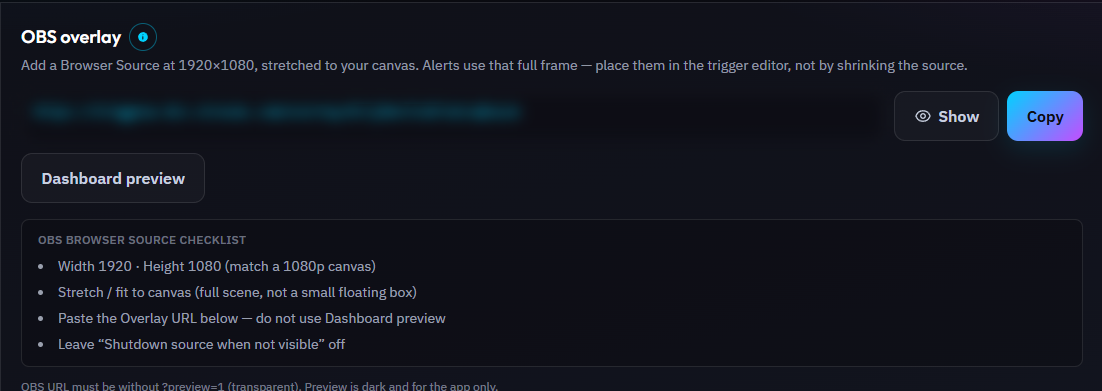
Your overlay URL is unique. Anyone with it can see your alerts, so keep it private — never paste it in chat.
Set Width 1920 and Height 1080, shut down source when not visible if you like, and leave Control audio via OBS on for sounds/TTS.
Alerts queue one-at-a-time (VIP / paid / points before chat). For mid-stream control, see OBS hotkeys and Stream Deck below.
Steps
- 1Copy the Overlay URL from Overview.
- 2OBS → Sources → Browser → paste URL, 1920×1080, FPS 30+, custom CSS empty.
- 3Stretch the source to fill the canvas; use the in-app layout preview to position each trigger.
Tip
Refresh the Browser Source after deploy updates if styles look stale.
Was this guide helpful?